MC Server monitor
A downloadable tool for Windows
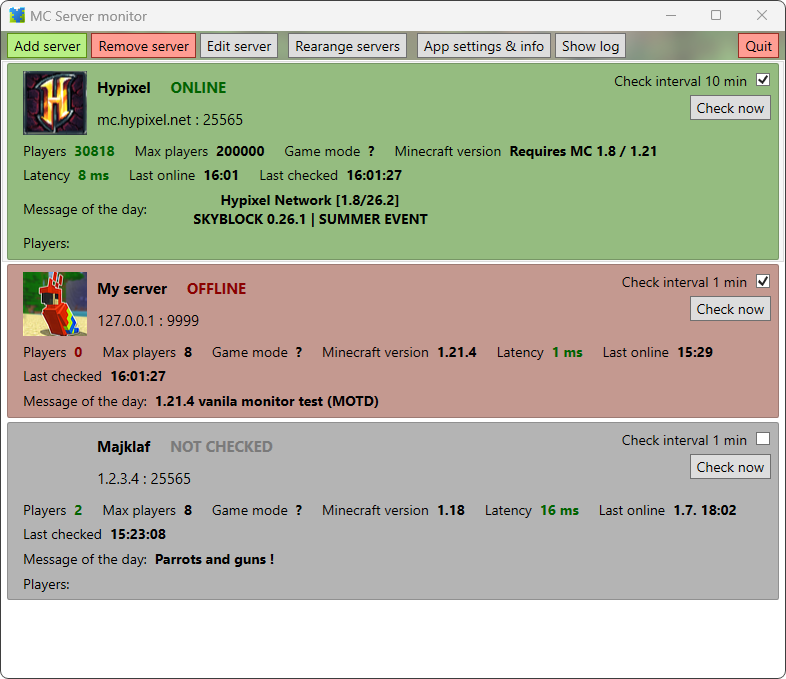
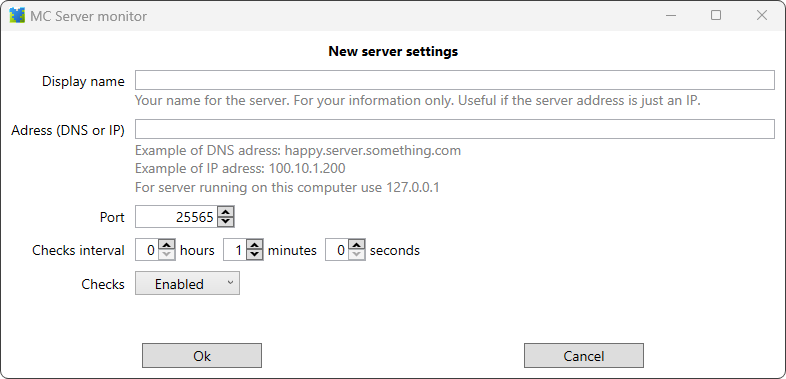
A Windows UI application that monitors a Minecraft server and notifies you when the server comes online or keeps checking to see if the server is running.
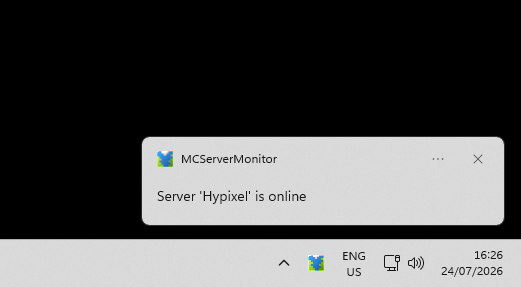
It runs in the background and alerts you via a Windows notification when the server's status changes.
It also fetches and displays all kind of useful information about the server. Like current player count, players limit, MineCraft version running, server icon, last online time and many more.
Runs on Windows 10 and 11
It uses official, public interface that is found in every MC server software by default.
It does not log in into the server(s). It does not use any user login information or user identification.
Neither the application nor the developer collects any kind of personal information; Does not send, give away or sell them.
Download
Install instructions
The app requires Microsoft software libraries .NET Desktop runtime 9.
If they are not already installed in you system, you will have to let Windows install them first.
Unpack the .zip file wherever you want.
Try starting the app (with MCServerMonitor.exe).
If Message box appears asking you to install '.NET', click yes.
It will take you to official Microsoft download page.
Download the installer to your computer.
Start it and let it finish.
After that MC Server monitor will start normally.
Leave a comment
Log in with itch.io to leave a comment.